AutoGen External
A downloadable External Utility for Windows
AutoGen: External Logic Controller
AutoGen is an external execution utility designed for flow automation and data-layer assistance (overlays). The software core focuses on low-latency processing and background process control with minimal system overhead.
⚠️ CRITICAL REQUIREMENT
WINDOWED MODE ONLY: This utility requires Roblox to be in Windowed Mode (Borderless or Windowed). It will NOT function in Fullscreen mode, as the display scaling will fail to center and the logic engine will remain inactive.
Technical Specifications
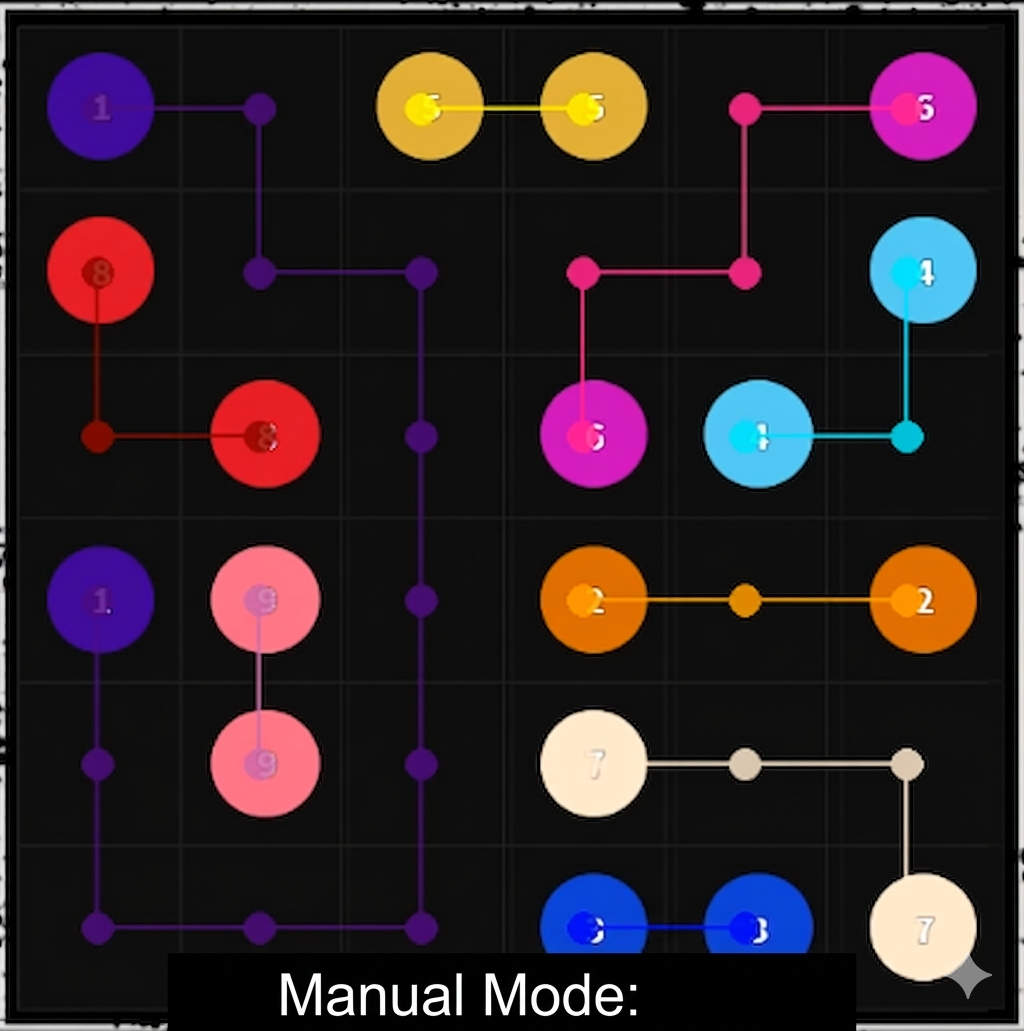
- Execution Logic: Dual-mode architecture supporting AUTO (fully automated processing) and MANUAL (active visual overlay assistance).
- Pathfinding Engine: High-speed algorithm for real-time optimal route calculation based on current game state.
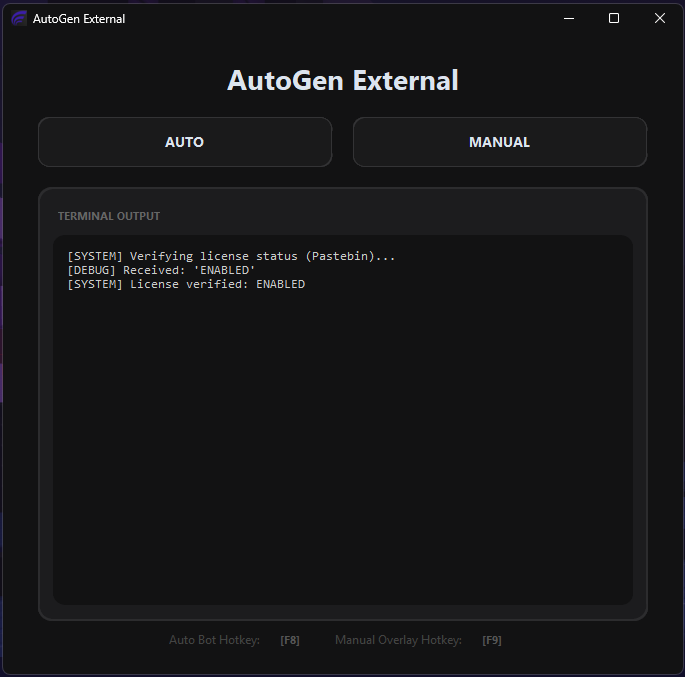
- Input Mapping: Configurable hotkey system for state control (Start/Stop/Toggle) without losing focus on the primary window.
- Environment UI: Optimized dark-themed GUI designed for distraction-free data monitoring.
- Standalone Process: Executes as a completely external binary to ensure environment stability and process integrity.
Deployment & Setup
- Ensure Roblox is NOT in Fullscreen mode.
- Execute the
AutoGen_External.exebinary. - Map input hotkeys via the configuration panel.
- Initialize the required operational mode (AUTO/MANUAL).
- Monitor data flow and states via the integrated terminal log output.
Note: This utility is developed for technical analysis and personal use only.
Download
Install instructions
- Download the Package: Click the download button to get the latest
AutoGen_External.zipfile. - Extract All Files (CRITICAL): Right-click the downloaded
.zipfile and select "Extract All...".- Note: Do NOT try to run the program from inside the zip. You must extract it to a folder first.
- Run the Application: Open the extracted folder and double-click
AutoGen_External.exeto launch the bot. - Antivirus Note: Since this is a specialized automation tool, some antivirus software might flag it as "Unknown" or "Generic". This is a common false positive for bundled Python applications. You may need to click "Run anyway" or add an exclusion to your antivirus.